Creating a blog post / reference
In Content → Content items, click "new" and select "blog post".
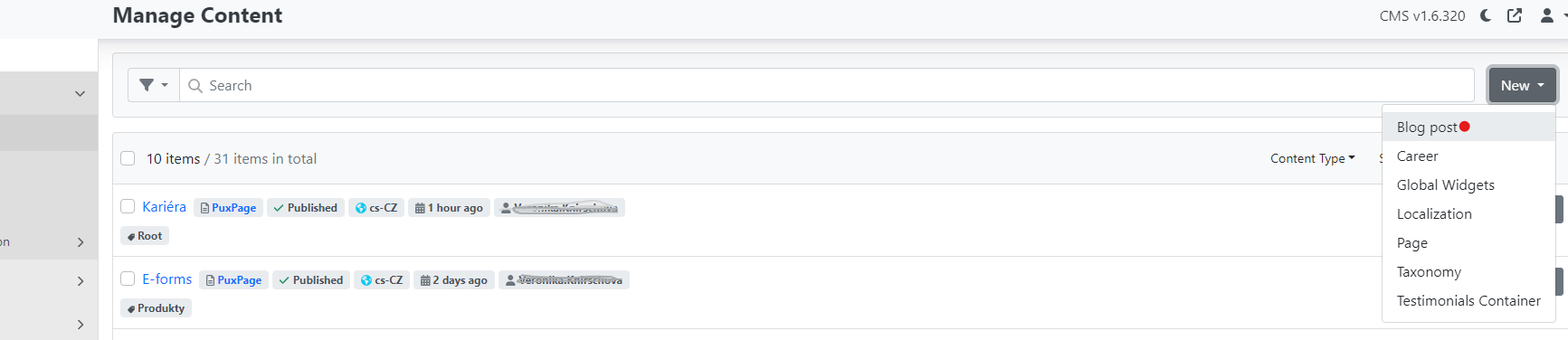
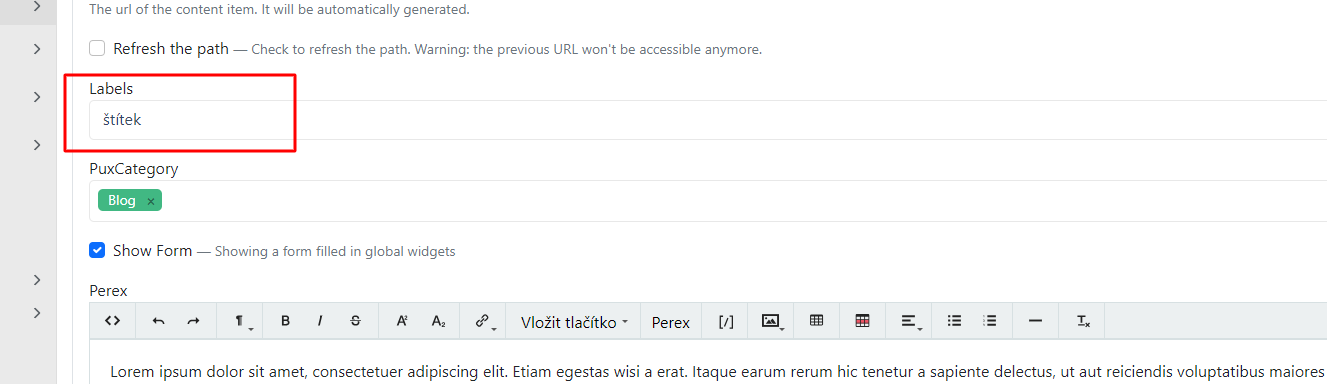
After creating the page, you also need to select a label for blog posts.
Labels are important for better management of filtering in listing views, or for listing articles with a specific label. Learn how to correctly set up labels in Labels and the article listing configuration is described in Repeater.
In the administration:
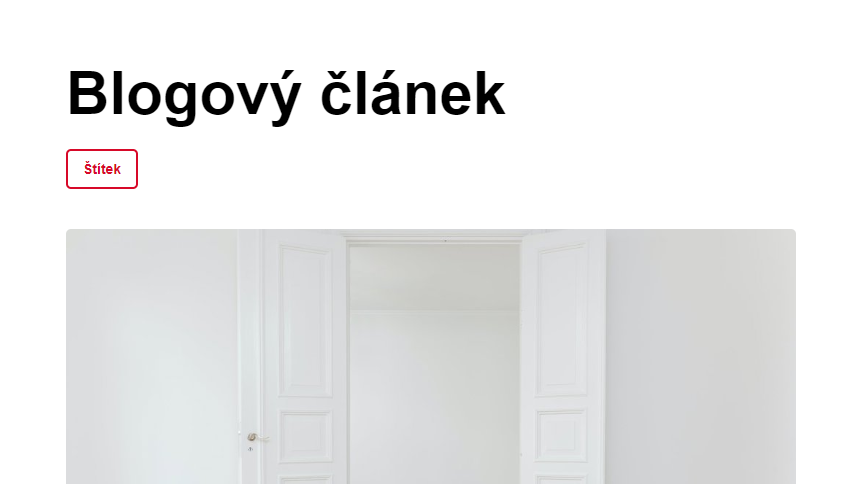
On the website:
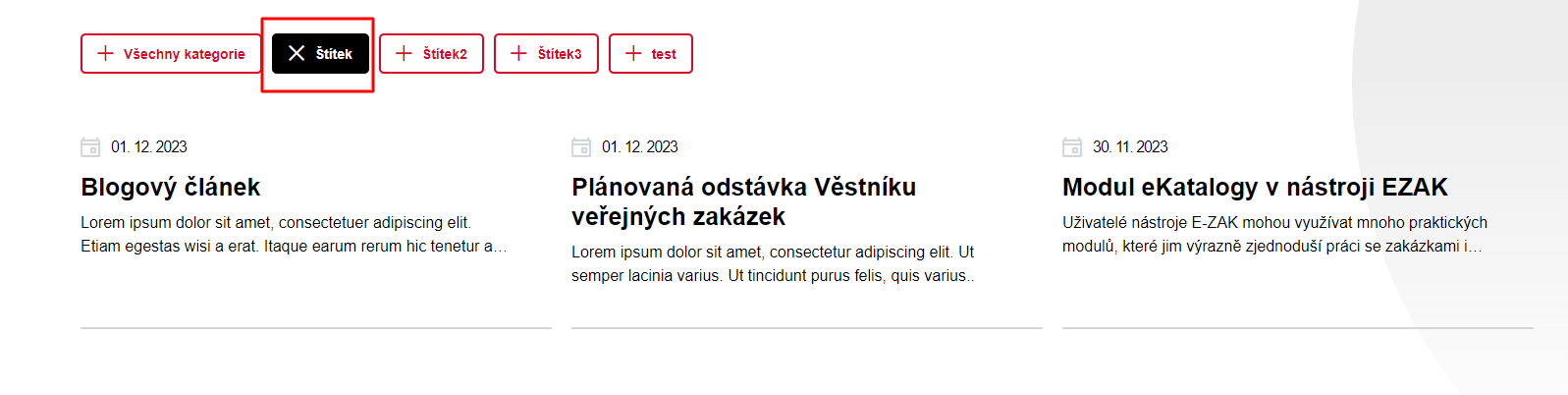
Listing of articles with the same label:
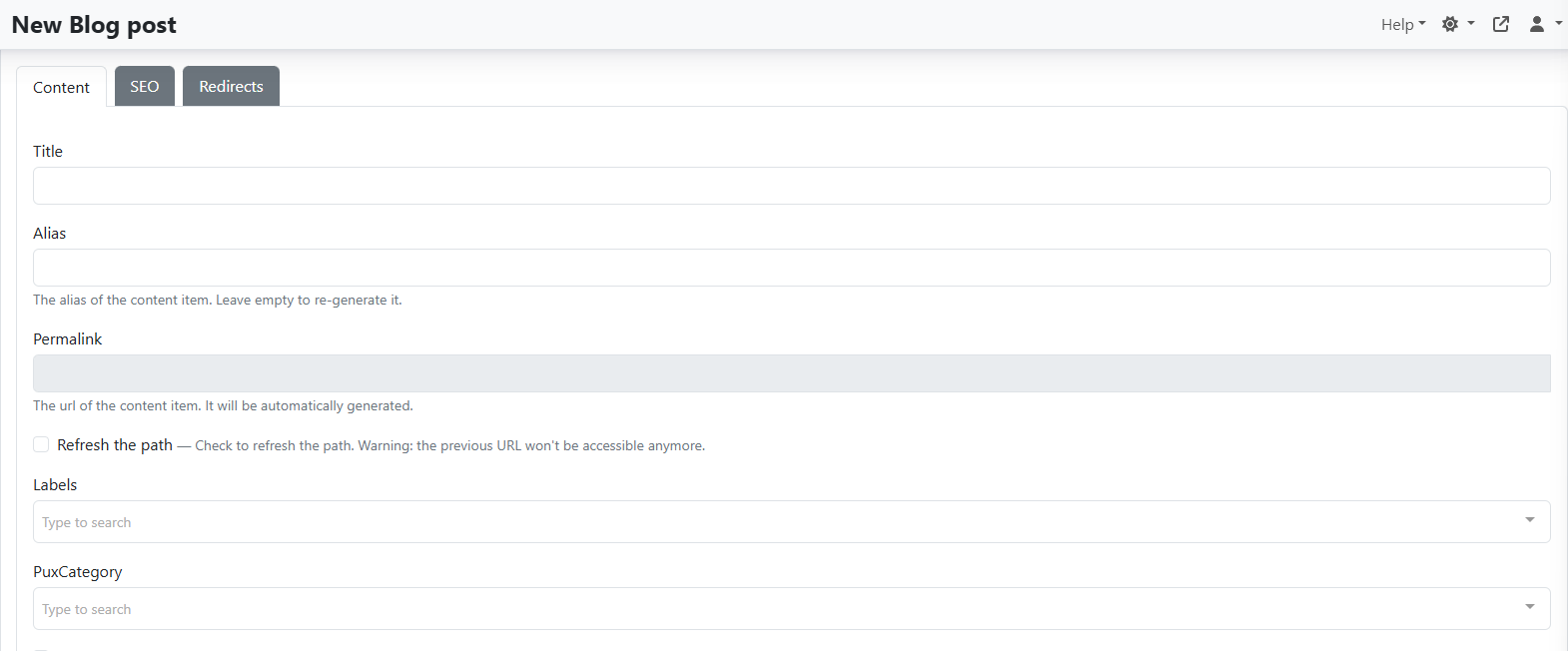
Title – the name of the article
Alias:
-
used to identify the article and is added to the URL address for example
-
do not fill in at all. It is automatically set after the first save based on the name
Permalink – link to the article, generated automatically
Refresh the path – when selected and the page is saved, the URL is regenerated
Labels – described here
PuxCategory – here
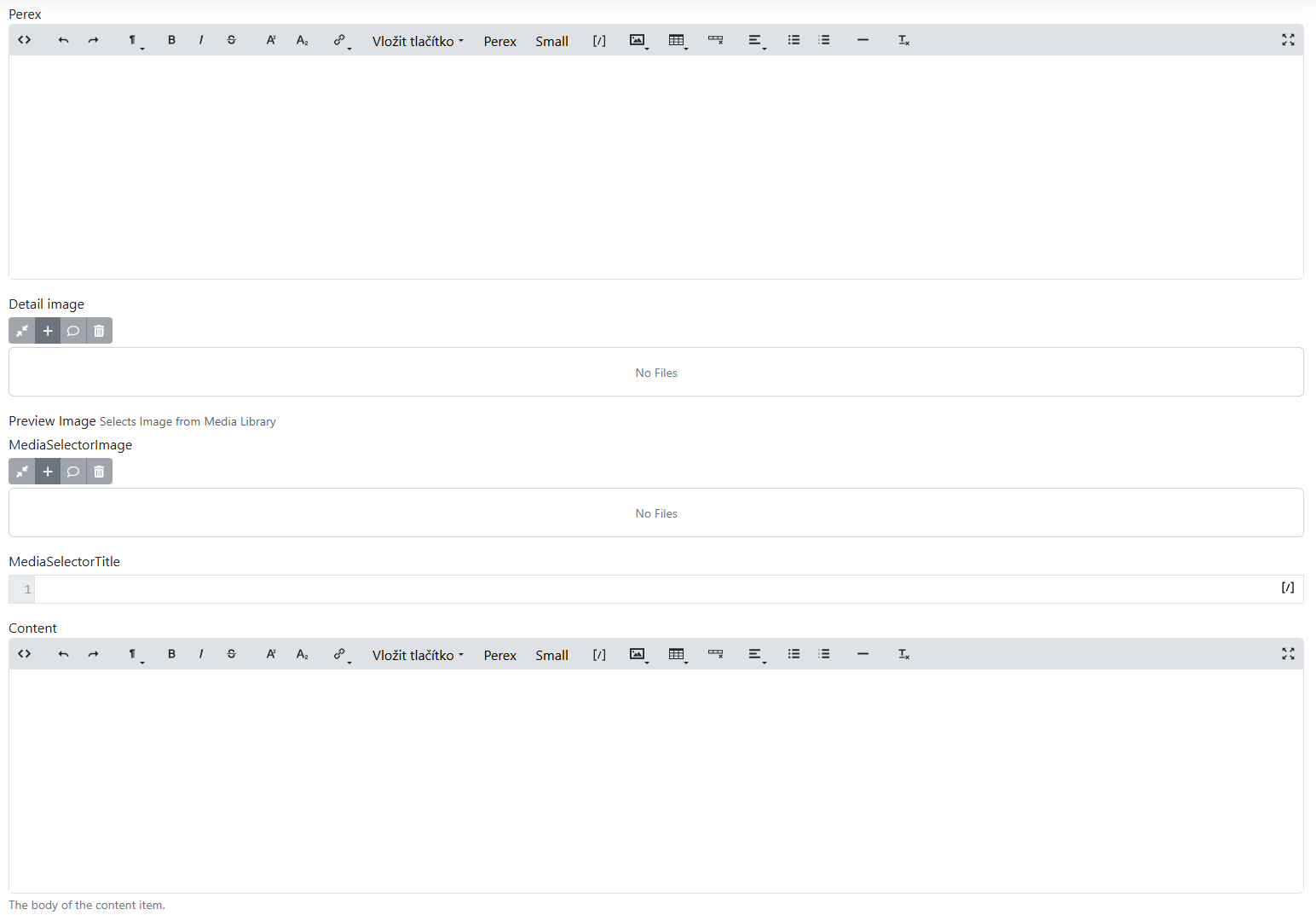
Perex – used according to the design, typically in listings and in the upper part of the detail
Detail Image – image for the detail. Usually not required and if not filled in, the preview image is used
Preview Image – usually required, set based on the graphic design. Working with images is explained here
Content – the actual article content, if no widgets are needed. How to work with it can be found here
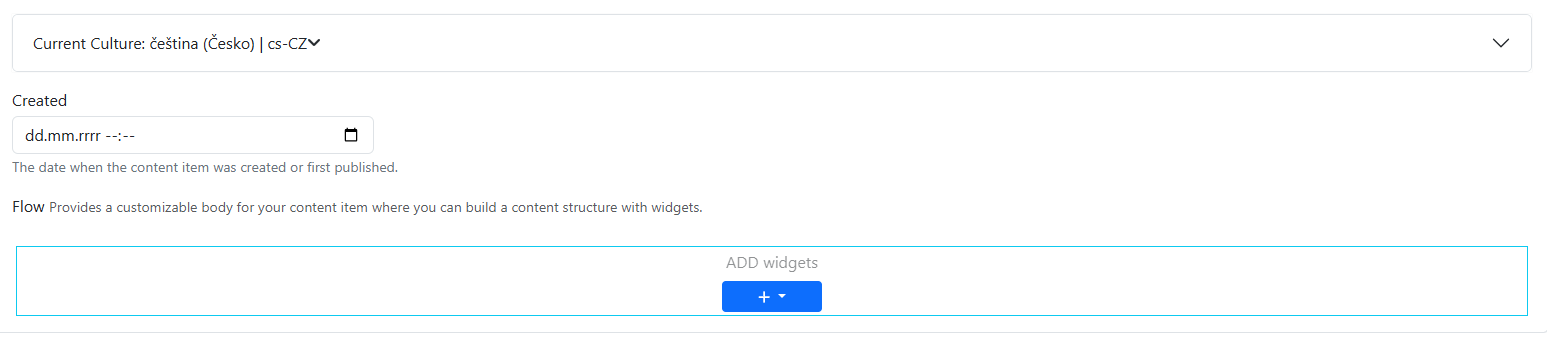
Current Culture – enables switching between language variants of the page, or creating the page in another language. For these actions it is necessary to have additional languages enabled. This can only be done by development.
Created – the date of article creation, which may be displayed on the website. Articles in the listing are always sorted from newest based on this date.
Flow – sections and widgets are added here.