zalozeni-kategorie-stitku-pro-stranky-a-clanky.tex
Creating a category / label for pages and articles
Categorization is used to organize the structure of pages in the CMS.
Creating a category
Categories are edited / created in Content items, primarily in PuxCategory:
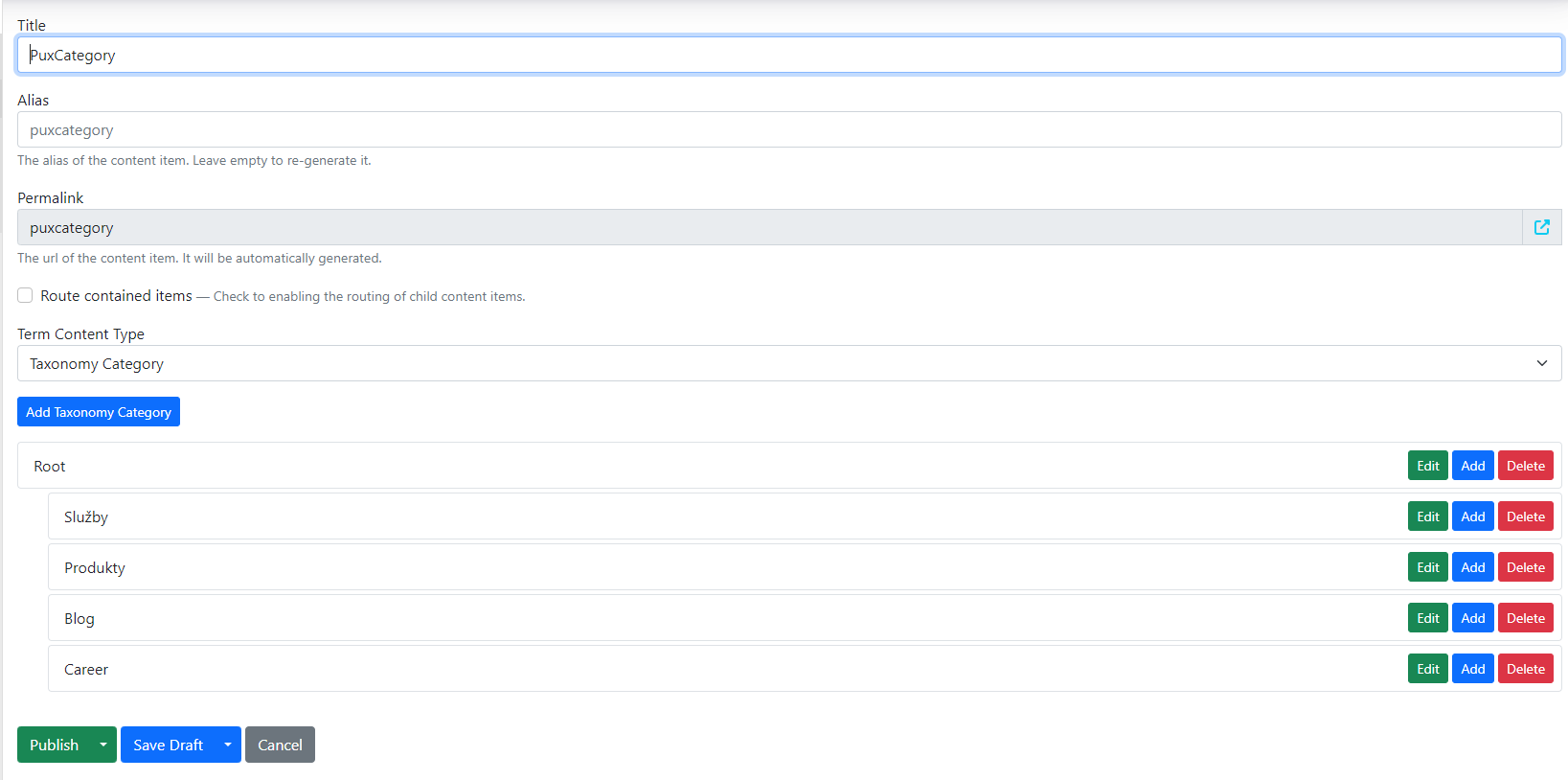
Adding a new category
Using the "add taxonomy category" button you create a new category.
Fill in:
-
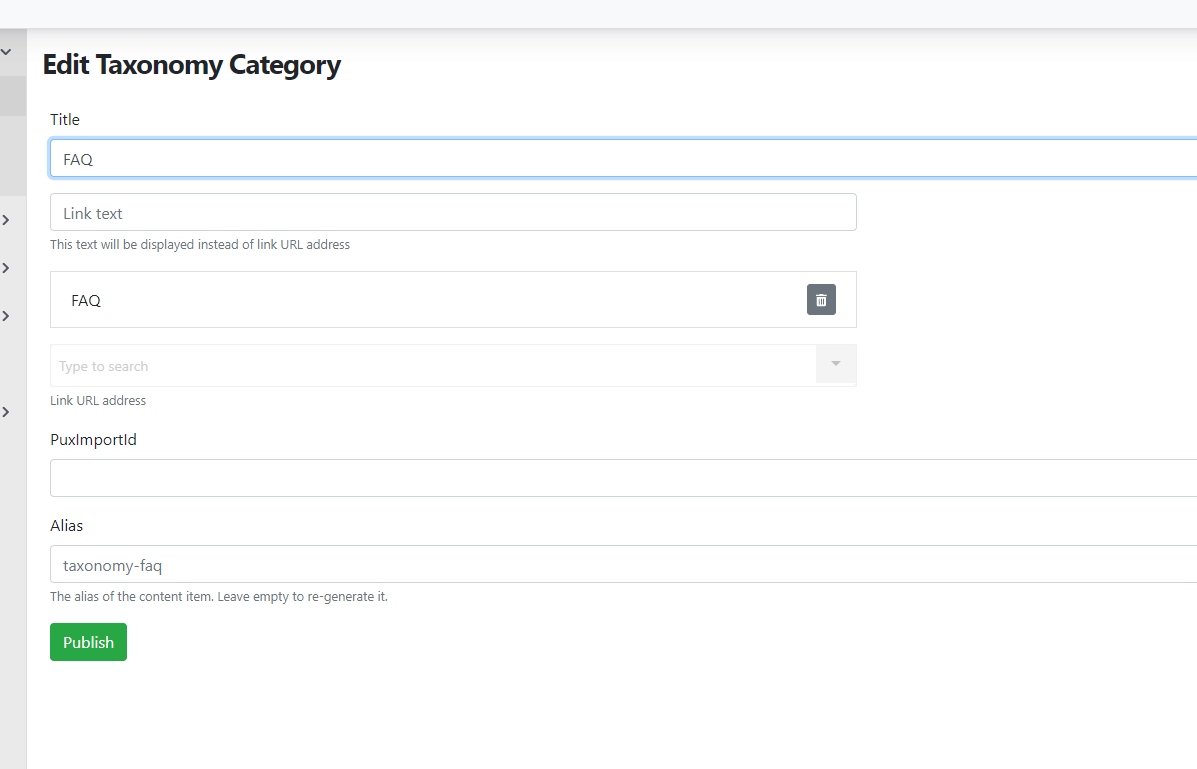
Title – the category name
-
Link – the link to the page that represents the given term.
For example, in the image below, the item named "FAQ" represents the category on the website named "FAQ". Select the link to this category.
After making changes, save/publish the changes again.
Individual categories can be moved and nested.
The structure then allows us to generate localized addresses and breadcrumb navigation.
Creating a label (for blog, news, etc.)
Another type of categorization is labels for blog articles, news, etc. These are useful when there is a need to filter content of this type.
This type is often used for blog articles, where each article can have its own label (or multiple labels), for example: news, event.
Search in Content items → Labels. There can be multiple Labels and they are then distinguished by template. E.g. references → reference labels, careers → career labels, etc.
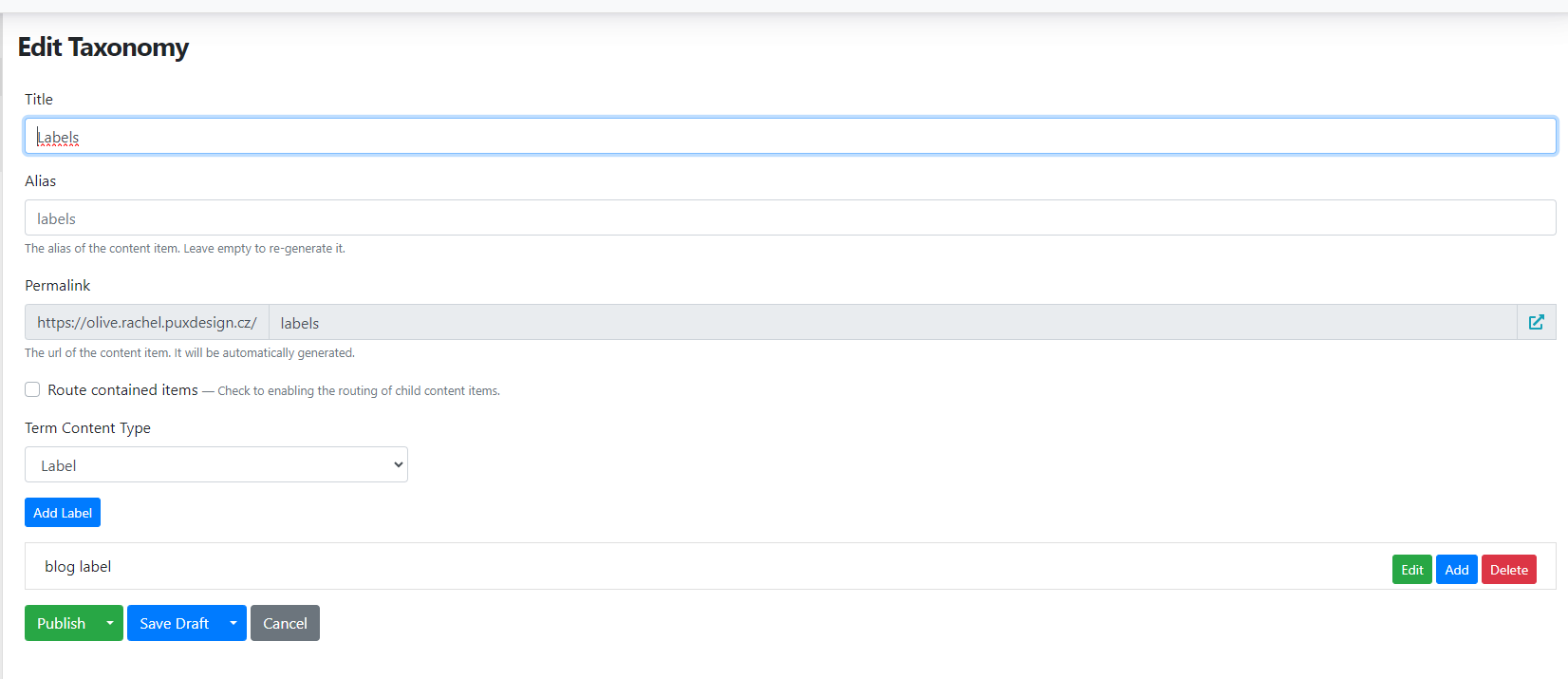
Create a new label using "add label".
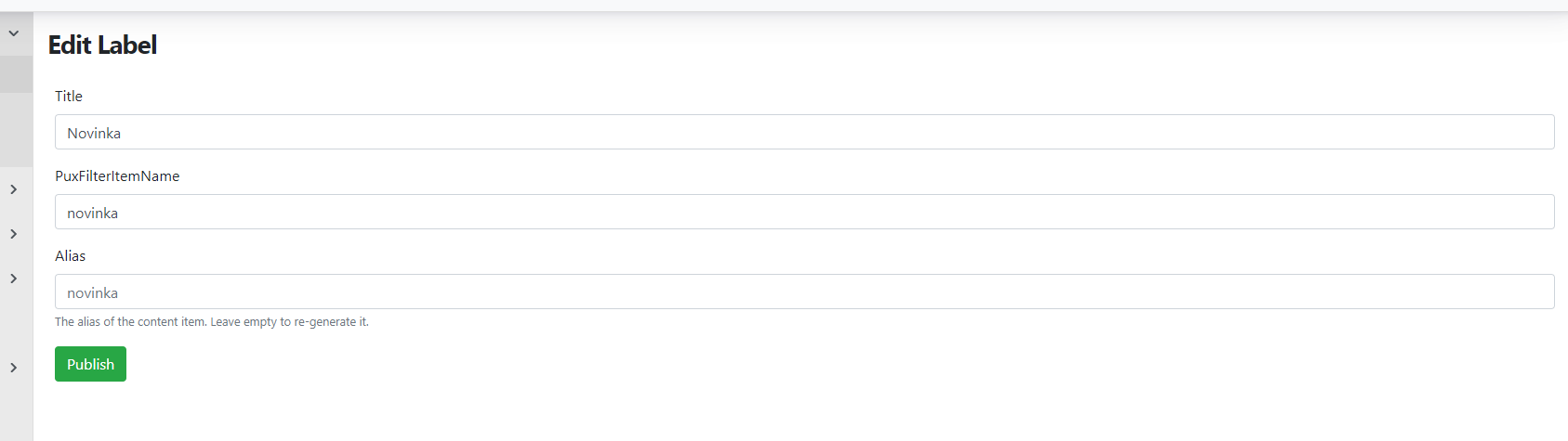
Fill in:
-
Title – the label name
-
PuxFilterItemNate – determines how the value will appear in the URL address when filtering
-
Alias – generated automatically after saving, does not need to be filled in
After making changes, publish both the edited label and the page with the label structure.
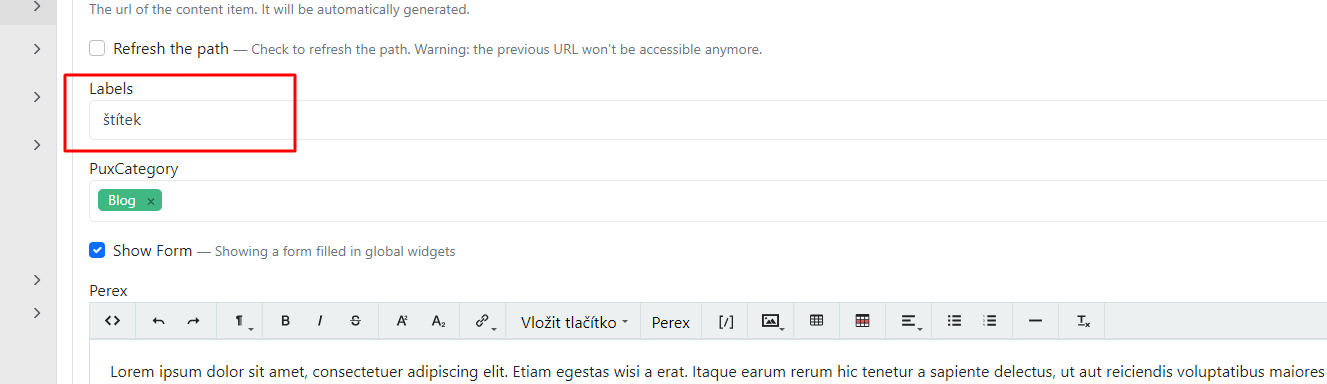
The labels created in this way can then be added to blog articles.