content-items.tex
Content items
This section of the administration primarily concerns the website content itself.
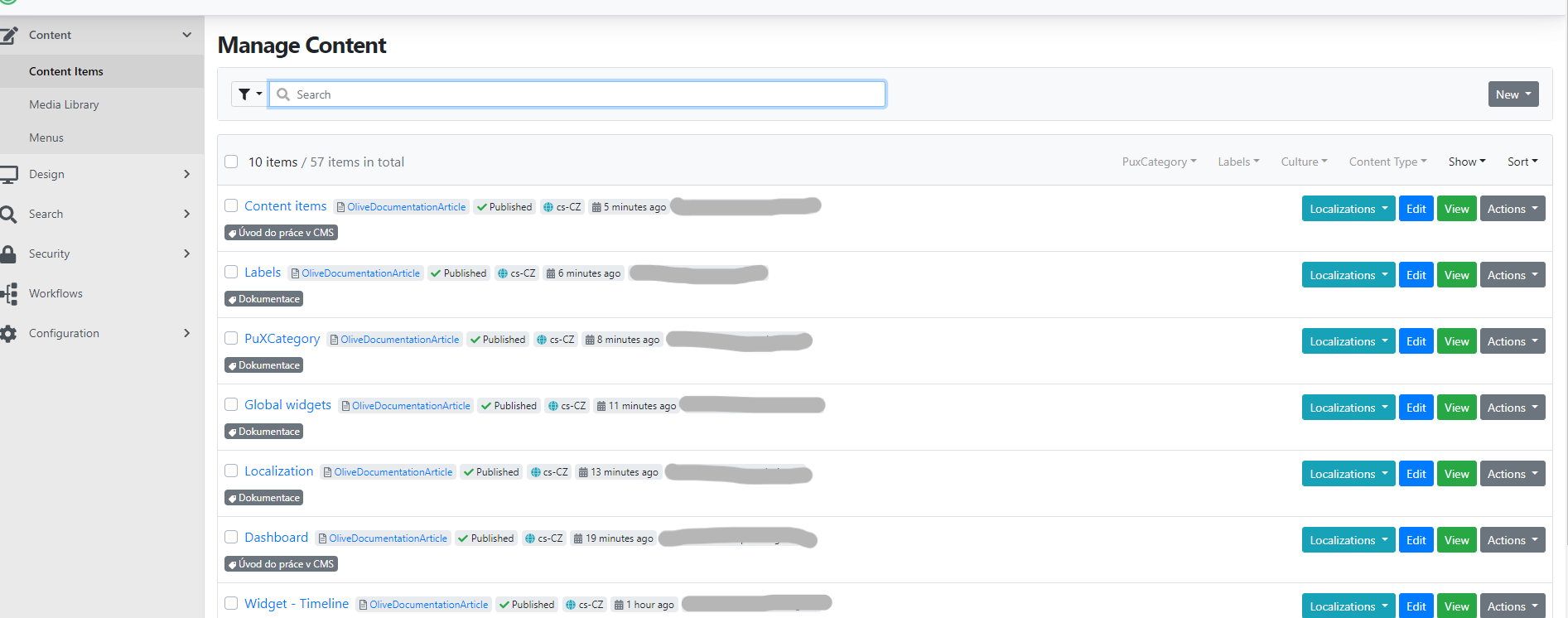
This section contains the following items in a list view:
-
Content items – this section contains all the pages of your website. You can find regular web pages, blog posts, the 404 error page, GDPR information, and more.
-
Localization – used for translating texts (so-called Resource strings) on your website into different languages. For each language available in the administration, you create its own separate localization version. More detailed information can be found in a separate guide.
-
Global widgets – primarily used for editing links and information in the footer. More in a separate guide.
-
Menu – in this section you can edit the navigation menu of your website. More in the separate menu guide.
-
PuxCategory – also known as taxonomy, it allows you to sort and organize your website content into categories. More information can be found in a separate guide.
-
Labels – similar to PuxCategory, this is used for creating and sorting tags primarily for blog posts. More information can be found in a separate guide.
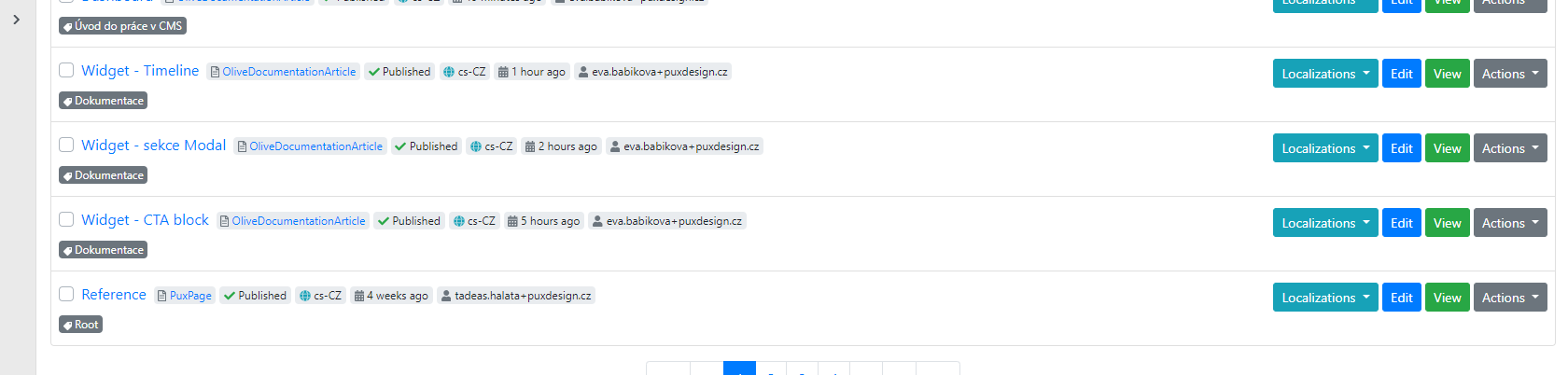
Each row contains the following information:
-
Page name – taken from the page title.
-
Page type – also called content type. This can be for example PuxPage, BlogPost, etc.
-
Publication status – indicates whether the page is published (accessible from the website) or unpublished, i.e. a draft. A draft is typically a working version of a page that cannot be accessed except from the administration.
-
Localization – indicates in which language the page is prepared, e.g.: cs-CZ for Czech, en-US for English, etc.
-
Date – shows the date/time of the last saved change to the given page.
-
User – the author of the last change on the given page.
-
Label – the category label (more in a separate guide).