dashboard.tex
Dashboard
After logging in to the system, the so-called Dashboard is displayed – an overview page that serves as a navigation hub to the main parts of the administration and allows quick access to content or its management.
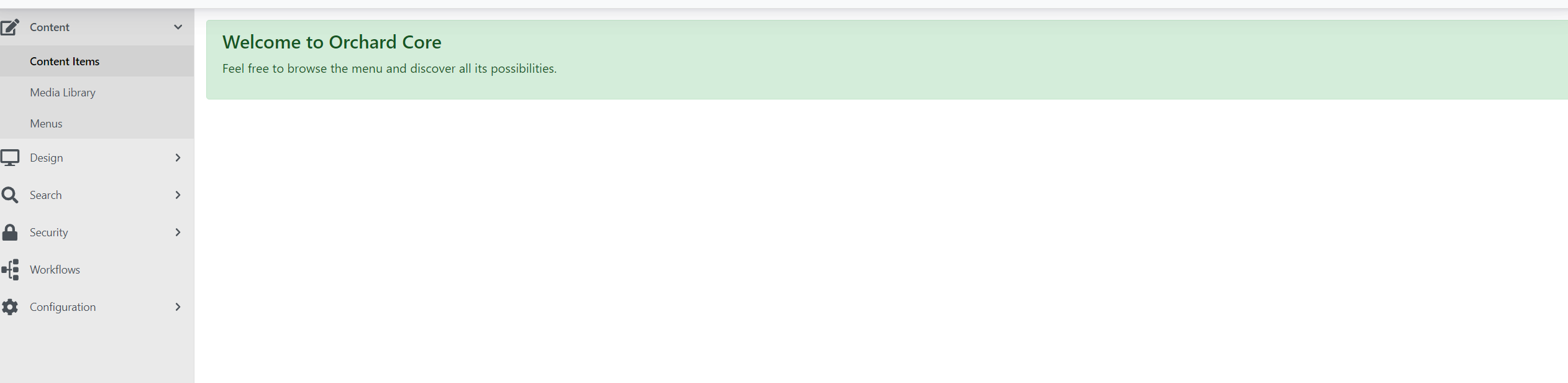
In the left part you will find the administration menu.
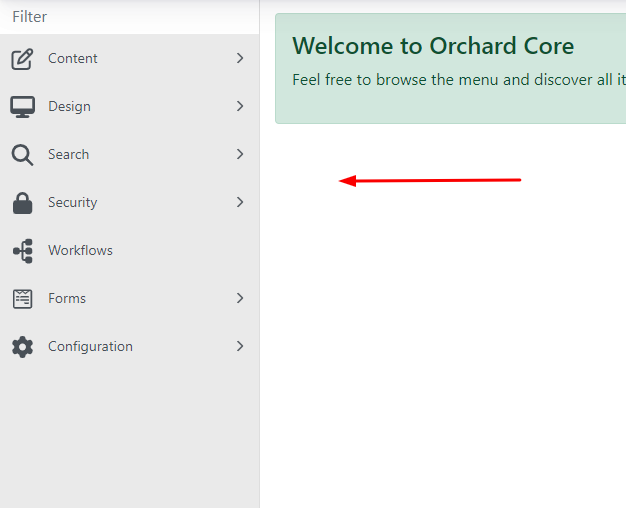
Content is divided into three sections and mainly concerns the content part:
-
Content items – here you will find all the pages that exist on the website.
-
Media library – this is where all the images you want to insert on the website are stored.
-
Menu – in this section you change and add the menu structure.
Security → Users
In this section you can see all users with access to the given website.
You can adjust their permissions, remove access or change their password.
The other tabs are primarily intended for developer purposes and are therefore not relevant for administration users.

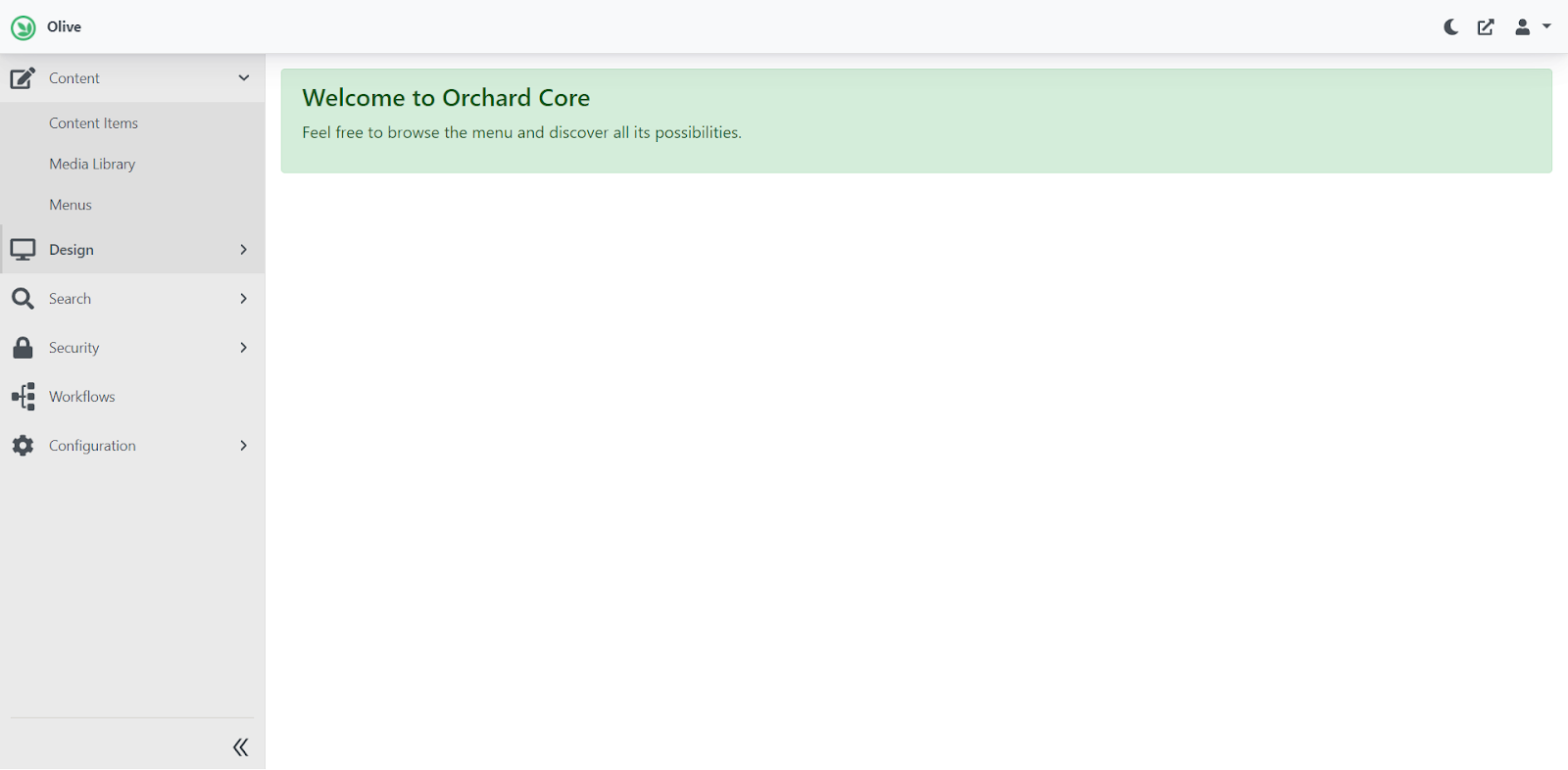
In the top right part of the administration you have the option to configure the following:
-
Moon icon: dark / light administration mode.
-
Square with arrow icon: clicking this opens a new window with the administration (the production version of the website should open).
-
Person icon: Here you configure the profile of the logged-in user (roles, etc.), change your password, or log out of the administration.