Olive 5.6
🫒 General information
Version 5.6 introduces the legally required web accessibility implementation. It also comes with new visual elements – GEO maps and a timeline widget.
🔥 Breaking change
Accessibility implementation required necessary code changes.
OrchardCore updated to 1.8.4
- GraphQL fixes
- ImageSharp updated
- Sitemap memory leak fix
🆕 New features
Media queries*
Ability to set image title and alt text through the CMS.
Multiple flow sections per page*
Added the ability to use multiple flow sections within templates. This is optional and can also be achieved via the Render Stored Content described below.
Accessibility*
From June 2025, the new European Accessibility Act (EAA) is in effect. In accordance with it, all websites must be accessible to people with any type of disability (most commonly visual impairment).
We therefore added invisible elements to the website that label every element on the page. This allows users to easily navigate the site using a keyboard and enables screen readers to work correctly.
GEO maps*
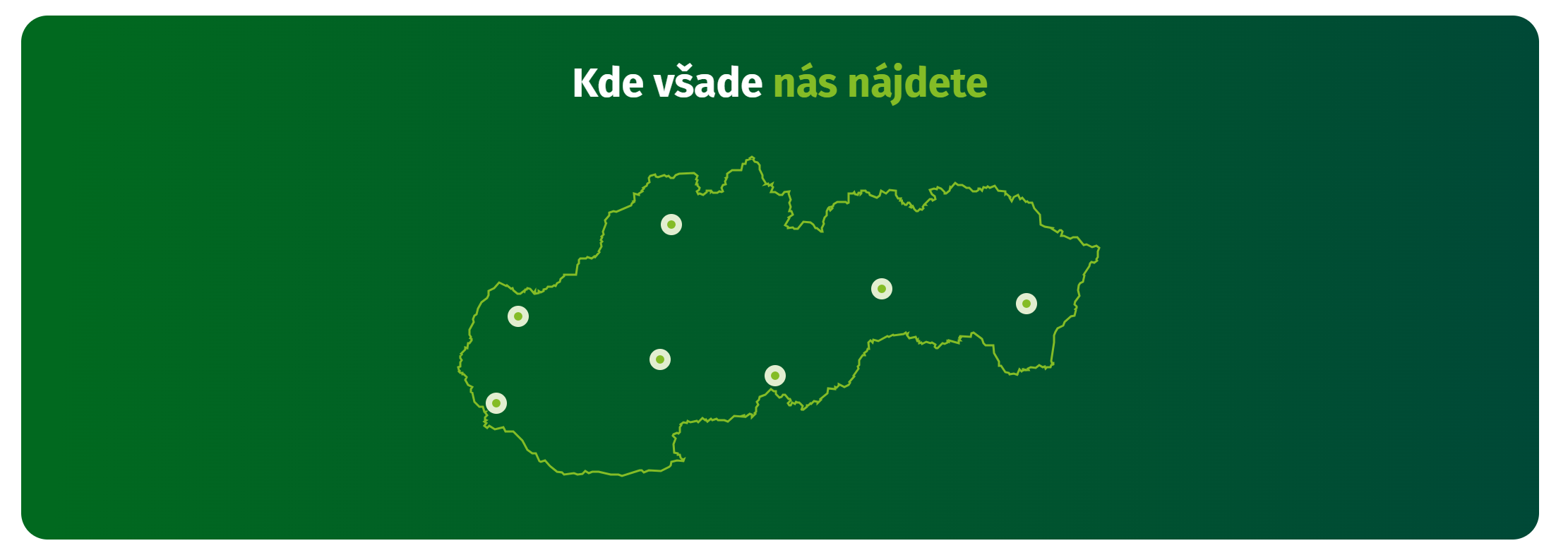
A useful element that allows you to embed various types of maps on a website. It's ideal for cases where you want to, for example, add a country outline map (Czech Republic, Slovakia, etc.) and mark the locations of your branches.
GEO map example from the Envi-Pak project, which specializes in waste management.
Timeline widget*
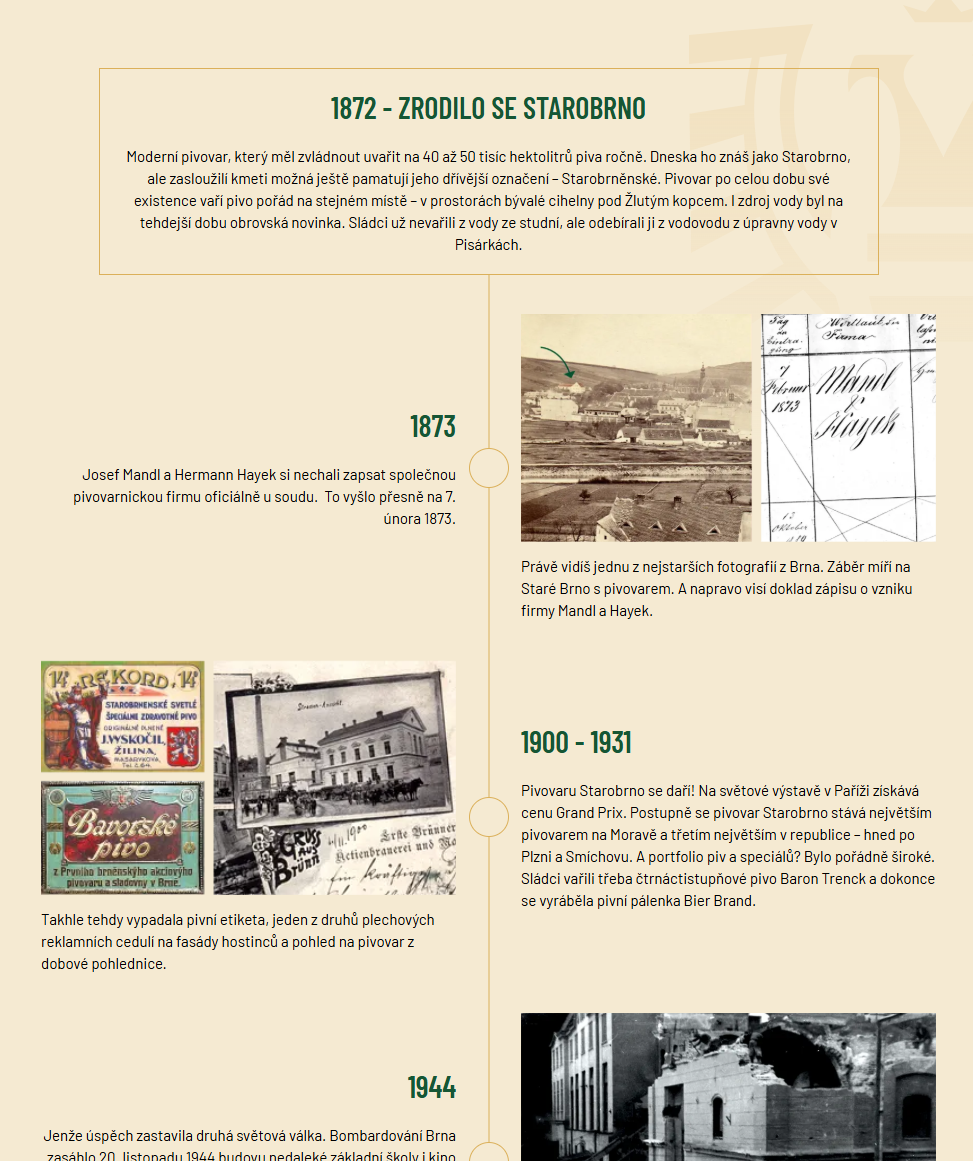
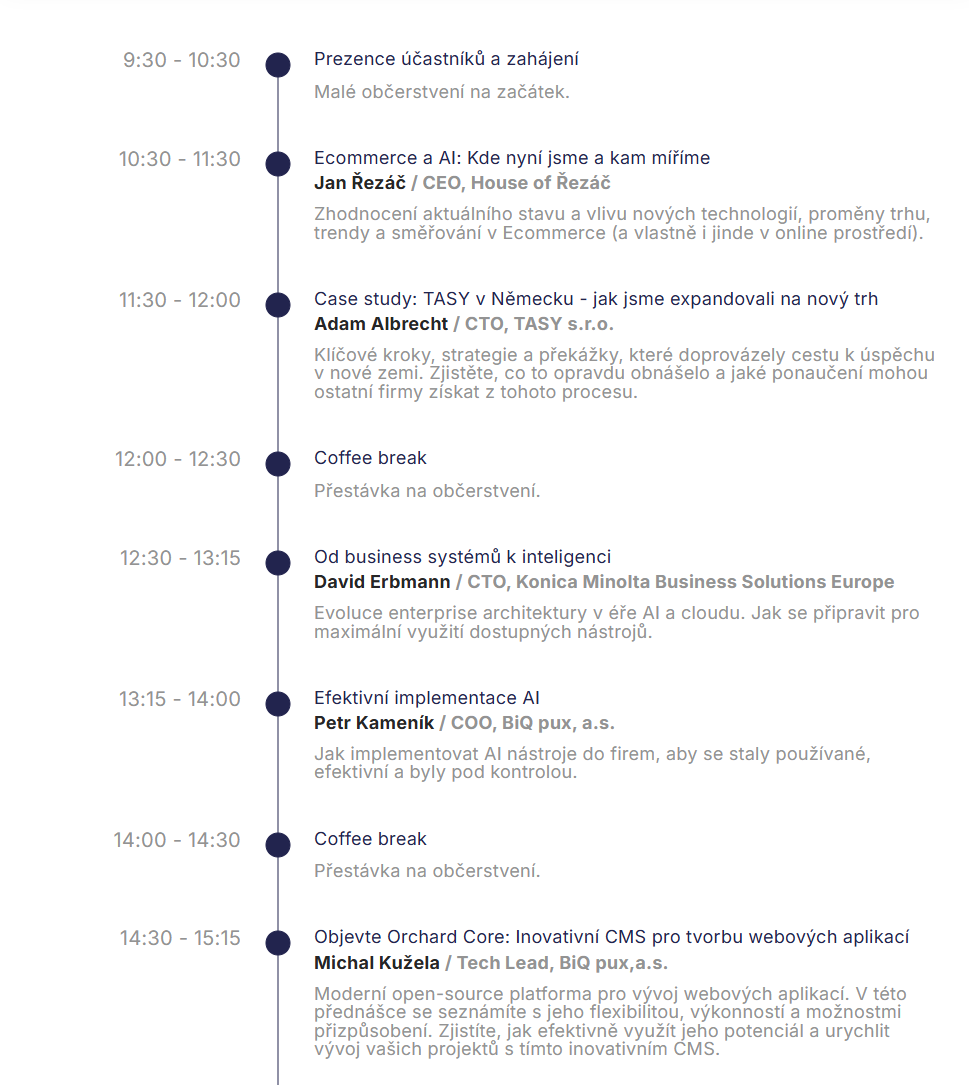
A new widget that allows you to embed a timeline on your website. Below you can see two variants of our timeline from the Starobrno and PuxCon conference website projects.
Template sections*
Say goodbye to repeatedly filling in the same widget manually across pages. Template sections allow you to create sections, add any widgets to them, edit them in one place, and then link them to selected pages. Example? If you want the same form on all pages, you set it up once in a widget section and then share it to any page you want. Practical, right?
Render stored content widget*
Allows you to render content from a template – e.g. a shared element for a given page type – in a location defined through a CMS widget section.
Extends the possibilities of combining templates + editable sections.
Notes
* changes are not automatically applied when upgrading to a new version of the system. The update does allow adding them to older versions as well.