Widget - Numbers
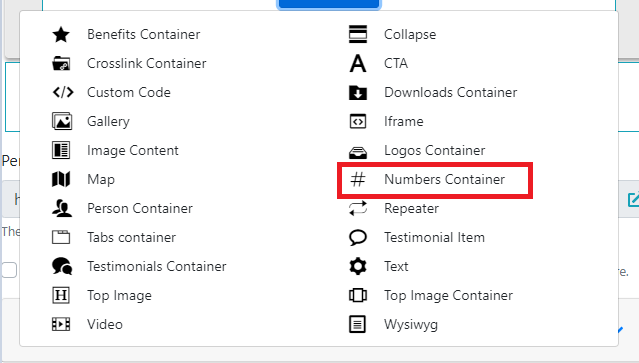
In the section, select the Numbers Container widget.
Below the Perex, click the "Add number item" button.
The important fields here are "Number", "Unit" and "Text":
Number – the numerical value
-
Enter the numerical value here.
-
Enter the number alone, for example
125; enter its unit separately in Unit. Check how the value appears in the page preview before publishing.
Unit – unit
- The unit is displayed next to the number.
Text
- Supplementary information displayed below the number.